


Description
Download Video Fx Video Maker and Editor APK – video editor, video maker, video effects, video editing tool, video creation, free video editor, video trimmer, video compressor, audio converter, smartphone video editing
Overview
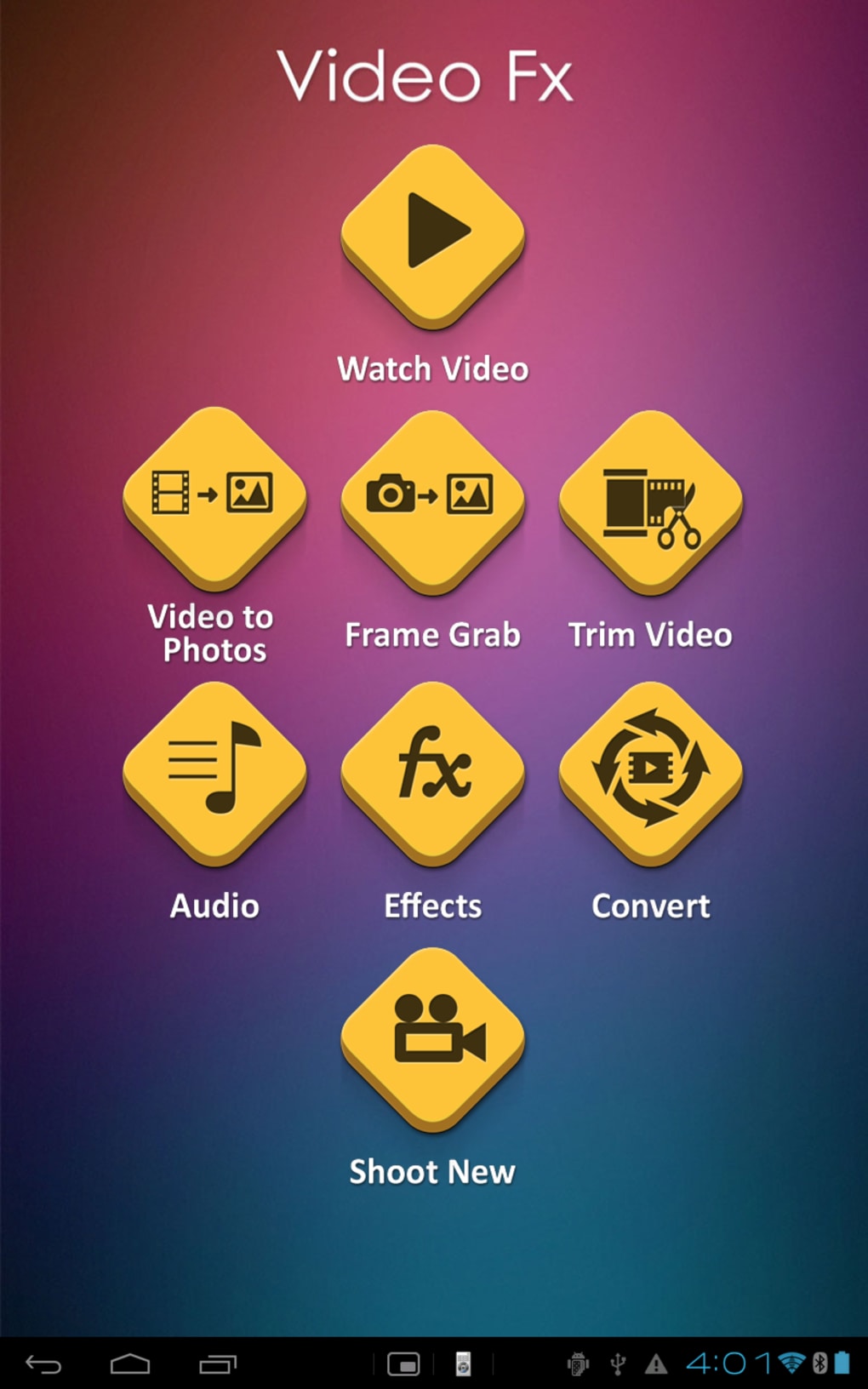
Video Fx Video Maker and Editor is a free smartphone-based video editing application designed to simplify the creation of dynamic video presentations. Targeted at users with minimal editing experience, the app offers a streamlined workflow for producing polished videos in a matter of minutes. It serves as a practical alternative to more complex desktop-based tools, particularly for mobile-first creators who need quick, accessible solutions on the go. The software enables users to transform raw footage into engaging content using intuitive tools such as video trimming, splitting, compression, and slide show creation. It also supports the conversion of video files into audio formats, expanding its utility for content repurposing. The app is tailored for mobile platforms, with no availability for PC or desktop environments. Its primary use cases include social media content creation, personal video storytelling, and on-the-spot video edits for digital sharing. While the developer did not provide additional background information, the app’s focus on accessibility and functionality suggests a strong emphasis on user-friendly design. The software is optimized for smartphones, making it ideal for users who prioritize convenience and mobility in their creative workflows.
Key Features & Capabilities
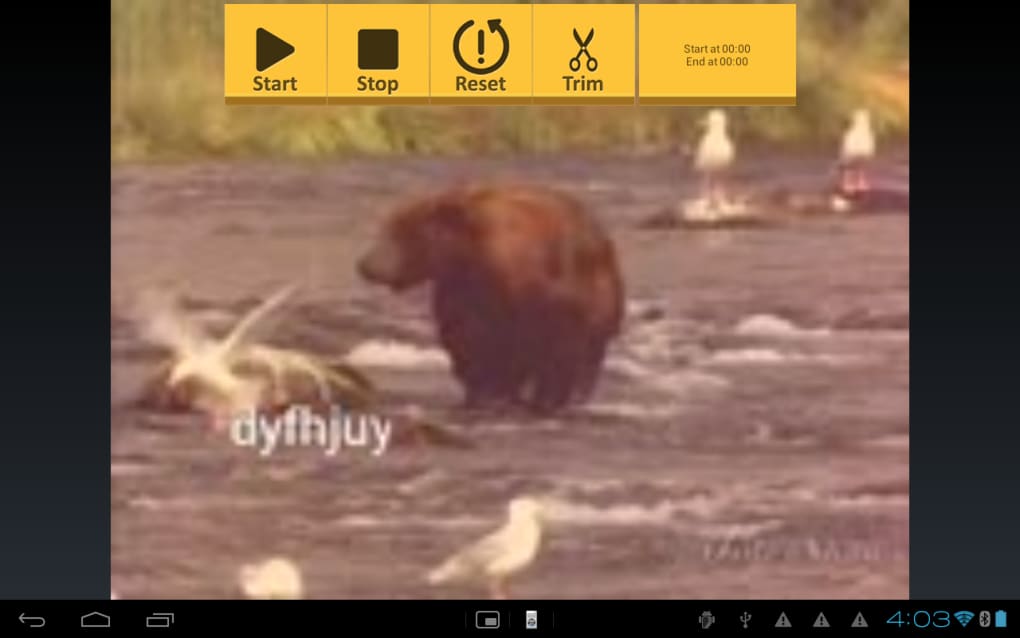
- Video Trimming and Splitting: Users can cut and divide video clips with precision, allowing for the removal of unwanted segments or the extraction of key moments.
- Video Compression: The app reduces file size without significant quality loss, making it easier to share videos via messaging apps or upload to social platforms.
- Slide Show Creation: Turn a collection of photos and short clips into a synchronized slideshow with customizable transitions and timing.
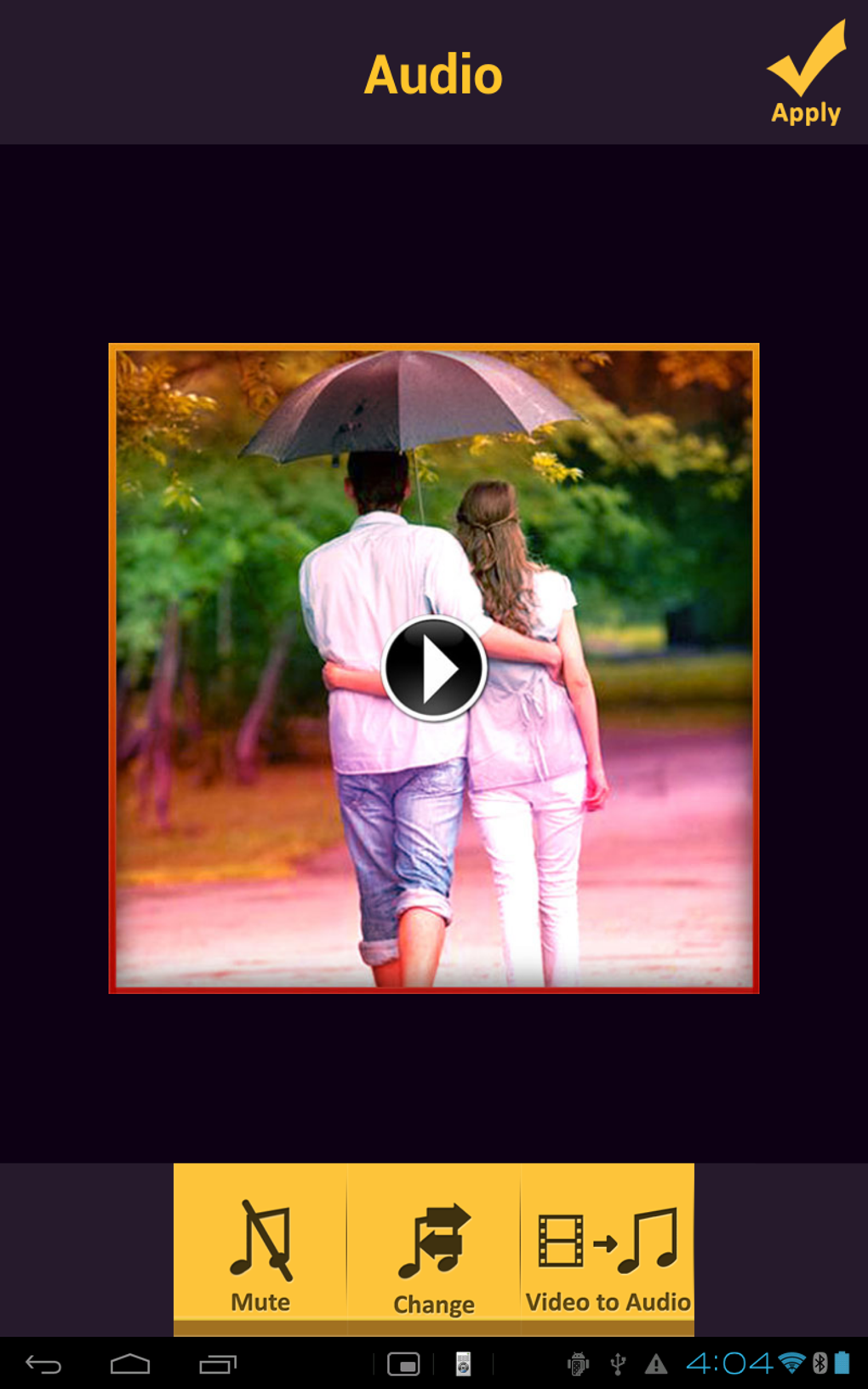
- Audio Conversion: Convert video files into audio-only formats, useful for creating podcasts, background music, or voiceovers.
- Video Effects and Zoom: Apply visual enhancements and dynamically zoom into specific areas of the video to emphasize action or details.
- Multi-Language Support: Available in multiple languages, improving accessibility for global users.
- Codec Compatibility: Supports major video formats including MP4, AVI, and FLV, ensuring broad file import flexibility.
These features are particularly beneficial for users creating content for Instagram, TikTok, YouTube Shorts, or personal memories. The ability to add narrations and apply effects on mobile devices empowers users to produce professional-looking videos without advanced technical knowledge. The integration of common codecs ensures that most standard video files can be imported and edited without conversion issues.
User Interface, Workflow & Performance
Video Fx Video Maker and Editor features a user interface designed for simplicity and quick access to core tools. The layout places essential functions—such as trimming, splitting, and effects—within easy reach, minimizing the need for deep navigation. Users can initiate edits with minimal steps, enhancing workflow efficiency. The app’s design prioritizes touch-based interaction, making it suitable for smartphones with intuitive gestures like swipe, tap, and drag. While specific performance metrics were not provided, the app is structured to operate smoothly on mobile devices with standard processing capabilities. The developer did not specify resource usage details, such as CPU or RAM consumption. However, based on general mobile software behavior, the app likely maintains a balanced footprint to ensure responsiveness during editing sessions. Stability and reliability are expected to be consistent with typical free mobile applications, though real-world performance may vary depending on device hardware. No reported crashes or bugs were mentioned in the provided information.
Compatibility & System Requirements
Video Fx Video Maker and Editor is designed exclusively for smartphones and is not available for desktop or PC systems. The app is compatible with mobile operating systems, though the specific versions were not listed. The download size is 100 MB, indicating a moderate installation footprint suitable for most mobile devices with available storage. The developer did not provide additional system requirements, such as minimum RAM, processor speed, or storage space. As such, exact hardware compatibility remains unclear. Users are advised to ensure their device meets general mobile app standards for running third-party applications. The software is free to download and use, with no in-app purchase details disclosed. Platform compatibility information is limited to mobile devices, and no support for tablets or other form factors was mentioned.
Pros and Cons
Pros
- Free to download and use with no hidden costs.
- Intuitive interface ideal for beginners and casual users.
- Supports popular video formats like MP4, AVI, and FLV.
- Offers video trimming, splitting, compression, and audio conversion.
- Includes creative tools such as zoom effects and slide show creation.
- Available in multiple languages for broader accessibility.
- Optimized for mobile use, enabling on-the-go editing.
Cons
- No desktop or PC version available.
- Exact system requirements were not specified.
- Limited information on performance under heavy use.
- May lack advanced editing features found in professional tools.
- Compatibility with older or low-end devices is uncertain.
FAQ Section
Is Video Fx Video Maker and Editor available for PC or desktop?
No, the software is designed exclusively for smartphones and is not available for Windows, Mac, or other desktop operating systems.
Can I use this app without an internet connection?
Yes, the app functions fully offline. All editing features, including trimming, effects, and file conversion, can be used without an internet connection.
Does the app support video formats like MP4 and AVI?
Yes, the app supports major video codecs, including MP4, AVI, and FLV, allowing users to import and edit a wide range of files.
Is the software safe to download and install?
As a free mobile application, it is generally safe when downloaded from official app stores. Users should avoid third-party sources to minimize security risks.
How often does the app receive updates?
The update frequency was not specified. However, developers of similar free tools typically release updates periodically to fix bugs and improve compatibility.
Final Thoughts + CTA
Video Fx Video Maker and Editor stands out as a capable, free solution for mobile users seeking straightforward video editing tools. Its combination of essential features—trimming, compression, audio conversion, and creative effects—makes it a solid choice for casual creators, social media enthusiasts, and anyone needing quick video edits on the go. While it lacks desktop availability and detailed system specs, its mobile-first design and user-friendly interface compensate for these limitations. The app delivers a practical balance between functionality and simplicity, making it accessible to users with no prior editing experience. For those who prioritize mobility, affordability, and ease of use, this tool offers real value. Download Video Fx Video Maker and Editor now to start creating engaging content in minutes.
Guides & Tutorials for Video Fx Video Maker and Editor APK
How to install Video Fx Video Maker and Editor APK
- Click the Preview / Download button above.
- Once redirected, accept the terms and click Install.
- Wait for the Video Fx Video Maker and Editor APK download to finish on your device.
How to use Video Fx Video Maker and Editor APK
This software is primarily used for its core features described above. Open the app after installation to explore its capabilities.
User Reviews for Video Fx Video Maker and Editor APK 0
No reviews found





